Es sollte nicht oft vorkommen, aber manchmal landen Internetseiten Besucher auf einer nicht vorhandenen Seite. Oft wird dann eine simple Seite angezeigt mit dem Hinweis dass die Seite nicht verfügbar ist. Etwas mehr Informationen können da hilfreich sein. Besonders wenn eine Seite einem kompletten Redesign unterzogen wurde, kommt es vor, dass Google Besucher auf nicht vorhandene Seiten schickt. In diesem Tutorial geht es um die Anpassung der “Standard 404-Seite”.
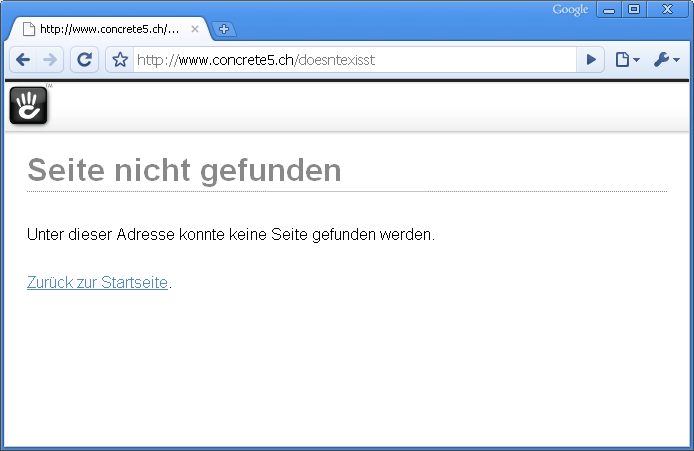
Concrete5 erlaubt es, ohne grossen Aufwand die 404-Seite anzupassen. Allerdings gibt es ein paar Dinge die man kennen muss. Als Ausgangslage dient diese Seite – die Standard Concrete5 404-Seite:
It hopefullly doesn’t happen very often but sometimes a user might enter an address which doesn’t exist. In most situations a simple page is displayed, telling him that the page doesn’t exist. Having some more detailled information can be very helpful, especially when you just relaunched your website. Google & Co need a while to reindex your page and users will probably see “page not found” more frequently than usually.
Concrete5 allows you to customize this page but it needs a few modifications. Some of them are probably a bit hard to find – which is why I wrote this tutorial. The standard Concrete5 “page not found” page looks like this: